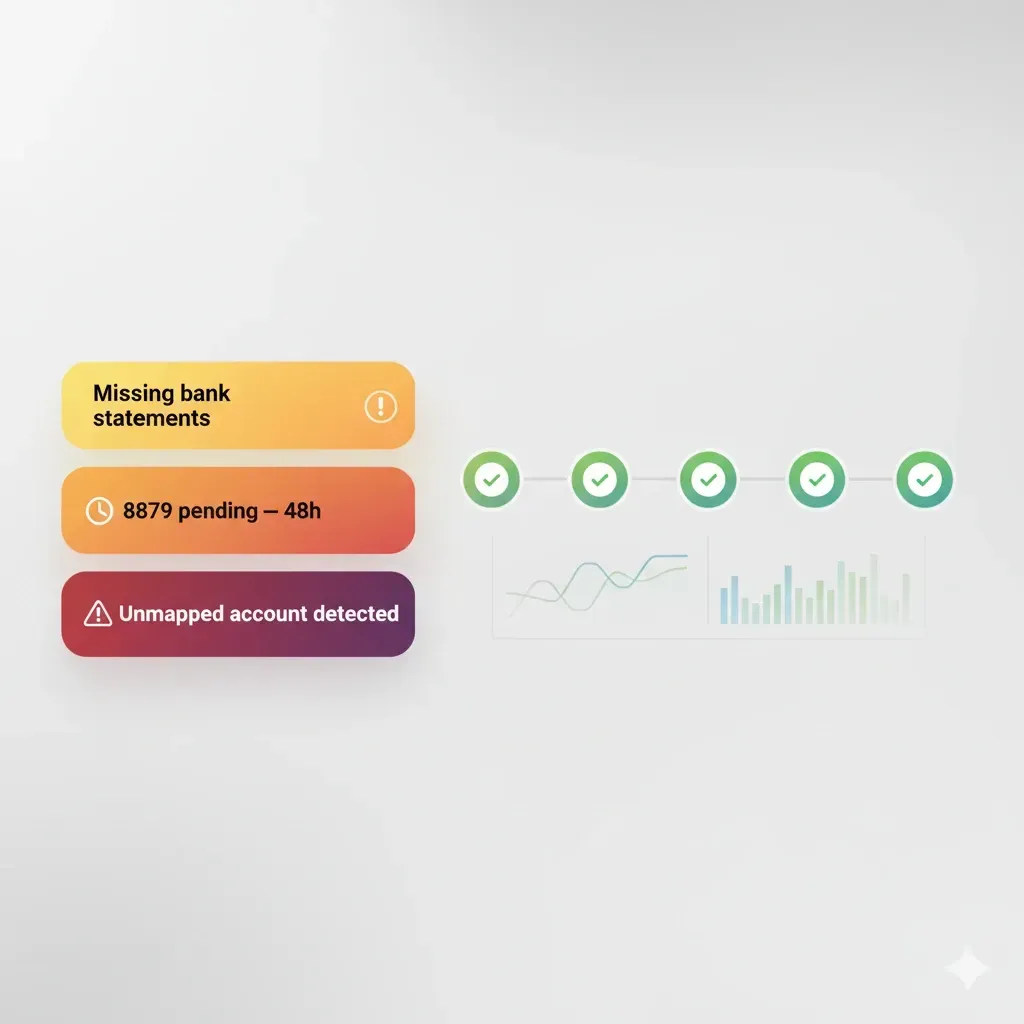
AI “Always-On” Checks for Tax Firms
When you’re juggling dozens of returns, the cost of one missed document, one stale ledger mapping, or one unsigned 8879 compounds fast. “Always-on” checks are lightweight, automated guardrails that watch your intake, documents, and signatures 24/7—so your team reviews, not re-does.
What “always-on” checks mean in a tax workflow
Always-on checks are small, deterministic rules (optionally aided by AI) that fire as data flows through your stack—not at the end.
Scope: intake completeness, ID/KBA status, e-sign status, GL→return mappings, version drift, deadline proximity.
Trigger points: on upload, on accounting sync, on e-signature events, on due-date recalculations.
Outcomes: assign a task, nudge the client, place a job “on hold,” or auto-move stage.
Why it matters: every manual follow-up you didn’t send is 3–5 minutes saved and one fewer chance for human error.

High-value checks to automate first
Missing-document gates at intake
If a required doc (e.g., 1099-INT or bank statement) is expected by client profile but not present, flag immediately and request it with a single, secure link.GL→Tax mapping drift
When the chart of accounts changes, re-validate mappings to Schedule C/E/F or entity returns. Surface unmapped accounts before prep begins.E-sign status + evidence
Alert if Form 8879 isn’t signed within 24–48 hours. When the signature lands, capture the time/IP and identity artifacts for audit.Version-control guard
If a client uploads a newer W-2 after prep started, mark the in-progress return as “outdated” and require review.Deadline and dependency timers
Start countdown nudges at T-10 and T-3 days for client tasks (organizer completion, ID verifications).PII hygiene
Block sharing if SSNs/EINs appear in unsecured message text; redirect clients to a secure uploader.
Example: from upload to filed—an always-on path
Scenario: A 3-person firm handles a Schedule C filer.
Upload (T-0): Client drags a folder into the portal.
Check fires: “Required docs” finds W-2, 1099-K, but no bank statements.
Action: Auto-nudge the client with a prefilled request and secure link.
Extraction (T+2 min): OCR/AI parses totals and vendor names.
Check fires: “Anomaly range” spots a 30% deviation on merchant fees vs. prior year.
Action: Create a review task with side-by-side prior-year comparison.
Accounting sync (T+5 min): QuickBooks/Xero sync completes.
Check fires: New expense account “Subscriptions—AI” is unmapped.
Action: Suggest a likely mapping (e.g., Schedule C Line 27a) for one-click confirm.
E-sign (T+2 days): 8879 request sent; no activity after 48 hours.
Check fires: “E-sign stale.”
Action: Send an SMS/email nudge; escalate to a partner after 72 hours.
Pre-file review (T+4 days): All tasks cleared.
Check fires: “Return-vs-Docs” parity confirms no newer uploads exist.
Action: Move the job to “Ready to File” and log an audit entry.

Metrics that prove it’s working
Prep cycle time: target −20–40% from first upload to “Ready to File.”
Follow-up volume: aim for −30% manual chasers by week three of rollout.
First-pass accuracy: increase “no rework after QA” to ≥85%.
E-sign lag: keep median 8879 turnaround under 24–48 hours.
Implementation checklist (30–60 minutes)
Map 8–12 critical checks across intake, docs, e-sign, and accounting sync.
Define triggers (on-upload, on-sync, on-sign) and actions (task, nudge, hold, stage change).
Standardize client nudges: plain language + mobile-friendly link.
Decide ownership & escalation (who’s paged after X hours).
Turn on audit logging and test one “red team” scenario (late doc, new COA).
Review metrics weekly; add 2–3 new checks only after the first wins land.
Common pitfalls (and fixes)
Too many rules at launch. Start with the “ugly dozen” failure modes you see every season.
False positives from poor OCR. Pair pattern checks with confidence thresholds and human-in-the-loop review.
Nudges that feel spammy. Batch reminders and cap to one per day per client; always include a single, clear action.
FAQ
Do always-on checks replace preparer judgment?
No. They surface likely issues faster so reviewers spend time where it matters.
What about edge cases and privacy?
Keep sensitive evaluations (e.g., income plausibility) as reviewer tasks; store artifacts in an encrypted audit trail.
How many checks is “enough”?
Most small firms thrive with 10–20 well-tuned checks, expanded over time.