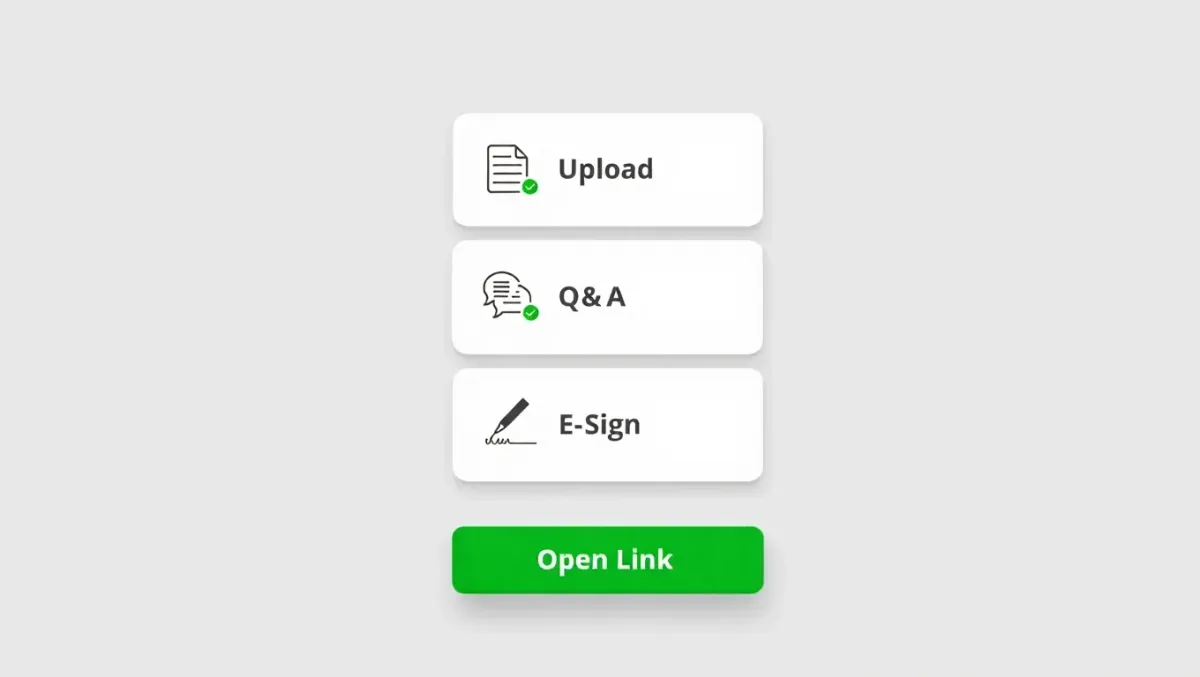
How to Get Clients to Upload & E-Sign on the First Try
Modern client experience lives or dies at the handoff: “Please upload your documents and sign.” If that moment creates confusion—wrong files, missing pages, stalled e-sign—you lose days to follow-ups and context-switching. This guide shows how to design a zero-friction flow so clients upload correctly and e-sign on the first attempt, with repeatable checklists and light automation that works in the background.
TL;DR: Make the path obvious, remove re-entry, automate nudges, and confirm success instantly.
Why “first-try” matters (and the hidden cost when it fails)
Every extra back-and-forth adds hours of idle time and interrupts prep.
Late signatures trigger filing risk and last-minute fire drills.
Confused clients open tickets (“Where do I upload?”), draining team bandwidth.
Aim: A client can finish intake-to-e-sign in one sitting, on mobile, with no copying/pasting.
The First-Try Framework (3 steps)

1) Make the path brain-dead obvious
One hub, one link. Send a single portal link that opens to the exact task: “Upload W-2 and bank statements → then sign Form 8879.” No menu hunting.
Progress bar + checklist. Show “Step 1 of 3” with green checks on completion.
Mobile-first UX. Large tap targets; camera-to-PDF capture; auto-crop; instant preview.
File rules in plain language. “Photos OK. One document per category. We accept PDF/JPG/PNG.”
2) Remove re-entry and prevent mistakes
Smart placeholders. If you already have last year’s IDs or employer info, pre-fill to reduce typing.
Inline validation. Flag missing pages or unreadable scans before submission.
Auto-naming & tagging. Incoming files inherit the right client/tax-year tags—no manual sorting.
Single source of truth. When data updates, it syncs across systems—no copy/paste.
3) Close the loop automatically
Timed reminders that feel human. Gentle nudges at T+24h and T+72h with the same one-tap link.
Branching nudges. If docs are done but e-sign is pending, send a sign-only reminder.
Instant confirmation. On success, show a celebratory screen and email a receipt (“All set! We’ll review next.”).
Audit trail. Log who uploaded/signed, when, and from which device/IP.
Copy & UX You Can Steal (Swipe File)
Subject (email): You’re 3 minutes from done ✅
Preheader: Upload your docs, then sign—no logins needed.
Body (short):
Hi {{FirstName}},
Tap below to finish in 3 minutes:
Upload W-2 and bank statements
Answer 3 quick questions
E-Sign 8879
Finish now → {{MagicLink}}
No printer. Phone camera works. We’ll confirm instantly.
SMS (≤160):
{{FirstName}}, you’re almost done. Upload docs + e-sign here: {{MagicLink}} — phone camera works. Reply 1 if you need help.
Portal microcopy:
“Phone camera is fine—make sure all 4 corners are visible.”
“Green check = done. You can return anytime with the same link.”
“We’ll never ask you to email tax documents.”
E-Sign That Passes the IRS Sniff Test (and Clients Love)
One document packet. Clients sign once; include required disclosures.
ID verification as needed. KBA/OTP only when risk signals warrant (avoid blanket friction).
Desktop-class on mobile. No pinch-zoom puzzles.
Re-send with context. “You completed Step 1 (uploads). Sign here to finish Step 2.”
Common Failure Points—and Fixes

Failure How it shows up Fix Client can’t find the portal “Can you resend the link?” Use magic links (no passwords), same link across email/SMS. Wrong documents uploaded “Is this what you need?” Category prompts with examples + inline validation for missing pages. Signature stalls “It says pending” Separate sign-only reminder; keep the packet open for 7 days; autosave progress. Ticket volume “Where do I click?” Add a 15-sec “first visit” overlay GIF and a 3-step progress header. Version drift “We updated the bank file” Auto-sync; supersede old files; keep an audit trail with timestamps.
Checklist: Your “First-Try” Setup (15–30 minutes)
Example Timeline (What Clients See)
Minute 0: Email/SMS arrives with one link and a 3-step promise.
Minute 1–2: Client snaps W-2 + statements; progress bar hits 2/3.
Minute 3: Client e-signs; gets a “You’re done!” confirmation.
After: Firm receives a clean packet with tags, audit trail, and ready-to-review status.
FAQ
Do we need training?
Very little. Set the template once; the experience guides clients step-by-step.
Does this work on mobile?
Yes—design for phones first. Clients finish in one sitting when it feels like texting, not IT.
What about security?
Use encrypted transit/storage, scoped links, optional OTP/KBA, and a full audit trail.
Can we handle Spanish-speaking clients?
Provide ES/EN portal text and reminders. Keep the same magic link.