AI “Always-On” Checks for Tax Firms: Nightly Monitoring Guide
TL;DR
Nightly, automated “health checks” catch missing documents, unsigned 8879s, broken syncs, and version drift—before they snowball in January. Set lightweight rules, connect them to your existing data sources, trigger polite reminders/e‑sign, and wake up to a clean dashboard instead of a fire drill.
Why “always‑on” beats “catch‑up”
Busy season exposes every weak spot in your workflow: scattered intake, clients who don’t sign on time, and data that drifts between the general ledger and the tax file. An always‑on posture flips the script:
Find issues while you sleep, not three days before filing.
Shorter queues, fewer surprises, because small gaps get resolved daily.
Happier clients and staff, thanks to clear, automated nudges.
The 7 nightly checks that prevent chaos

Intake completeness
Rule: Flag any engagement missing W‑2/1099/bank statements/K‑1 per the client checklist.
Trigger: Send a friendly reminder with the exact items missing (no guesswork).
Outcome: Tomorrow’s prep starts with complete folders.
e‑Sign bottlenecks (Form 8879 and others)
Rule: If e‑Sign requests are untouched for 48 hours, escalate.
Trigger: Auto‑reminder to taxpayer; include spouse/partner when applicable; internal team ping.
Outcome: Fewer last‑minute “still waiting” crises.
Version drift between GL and tax file
Rule: If GL balance roll‑ups don’t match mapped lines in the return, mark “Needs Refresh.”
Trigger: Suggest a re‑sync and re‑map.
Outcome: Stop reconciling the same discrepancy twice.
Deadline risk scan
Rule: Any return due in ≤14 days with outstanding docs or unsigned e‑Sign = “Hot.”
Trigger: Auto‑sequence: reminder → alternate channel (e.g., SMS) → partner/manager alert.
Outcome: No “how did we miss that extension?” moments.
Client portal experience health
Rule: Clients who haven’t logged in or uploaded in 7 days get a “two‑tap” mobile prompt.
Trigger: Link directly to the missing step (upload or sign), not the generic portal home.
Outcome: Less “Where do I click?” support.
Audit trail sanity
Rule: If documents change after review is marked “Done,” request re‑acknowledgment.
Trigger: Re‑open step, tag reviewer, preserve prior version.
Outcome: Compliance without sticky notes.
Queue hygiene
Rule: Items “In Review” > 5 business days get auto‑assignment to free capacity.
Trigger: Notify assignee and manager with context.
Outcome: Work keeps moving, even when someone’s slammed.
How to implement this in under a week
1) Define the rules, not the robots.
Start with plain‑language conditions (“If 8879 unsigned > 48h AND deadline ≤ 14d, escalate”). Keep each rule small and testable.
2) Connect your sources.
You’ll need intake/docs, e‑Sign, and accounting data. With those linked, you can monitor GL→tax mappings and catch drift automatically.
3) Automate the nudges.
Default to email, escalate to SMS when time‑sensitive, and personalize with the exact missing items. Include “one‑tap” deep links straight to Upload or Sign when possible.
4) Close the loop.
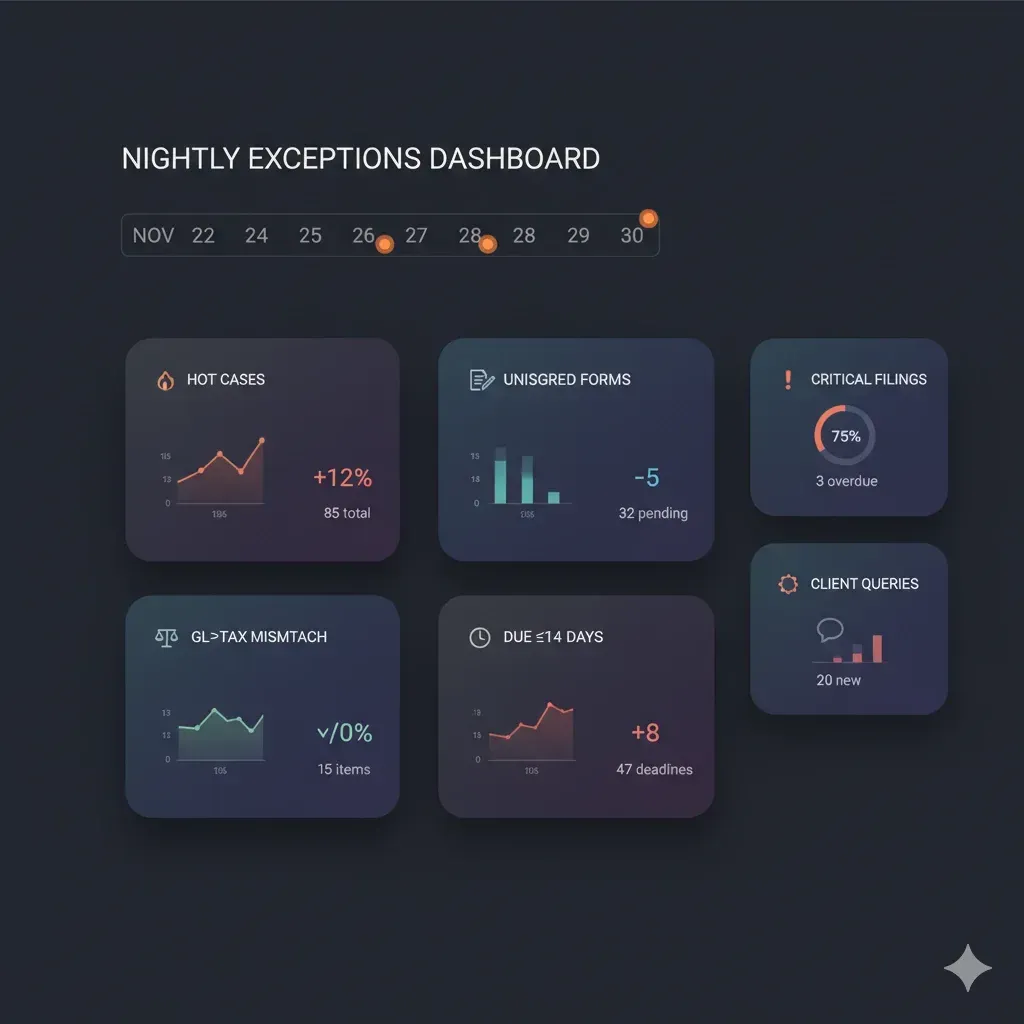
Every automated step should log to an audit trail and (when resolved) clear the alert. Your morning dashboard should be a short list of exceptions—nothing else.
Real‑world playbook (example)

Scenario: A married filer’s return is due in 10 days. A 1099‑INT is missing; 8879 hasn’t been signed.
1:00 a.m. check flags:
Missing 1099‑INT+8879 unsigned >48h+due ≤14d→ case turns Hot.Automation sends:
Email to primary contact with a two‑field checklist + upload link that lands on the exact request.
SMS to spouse with a deep link to e‑Sign (no portal hunt).
Team alert to the manager for visibility.
8:00 a.m.: The spouse signed; client uploaded the 1099‑INT. The alert closes automatically after the reviewer re‑acknowledges changes.
Outcome: The file re‑queues “Ready to Review” by 9:00 a.m., not 3 days later.
10‑minute nightly checklist (for humans—until you automate it all)
Count of Hot cases (due ≤14 days + blockers).
Top 5 unsigned e‑Sign requests >48h.
GL→Tax mismatches (new vs. yesterday).
Clients inactive ≥7 days with open requests.
Any post‑review document changes needing re‑ack.
Aging items “In Review” >5 days.
Confirm that last night’s automations ran and logged cleanly.
Tooling considerations (vendor‑neutral)
Unified workflow: Intake, documents, e‑Sign, and follow‑ups should connect to avoid copy/paste and re‑entry.
Accounting data that can be refreshed and audited in one update.
Automated reminders + mobile‑friendly signing.
Instant search & audit history to find any doc in seconds; see who changed what and when.
Clear dashboards that surface exceptions only, sortable by deadline impact.
FAQ
Isn’t this overkill for a small firm?
No. Small teams benefit most, because you can’t afford silent blockers. A handful of tight rules prevents last‑minute pileups.
Will clients find the reminders annoying?
Not if they’re specific, infrequent, and link directly to the exact action (upload/sign). It feels helpful, not harassing.
What if our data lives in multiple tools?
Start by consolidating the critical pieces (intake, docs, e‑Sign, and accounting sync) so your checks have one source of truth.