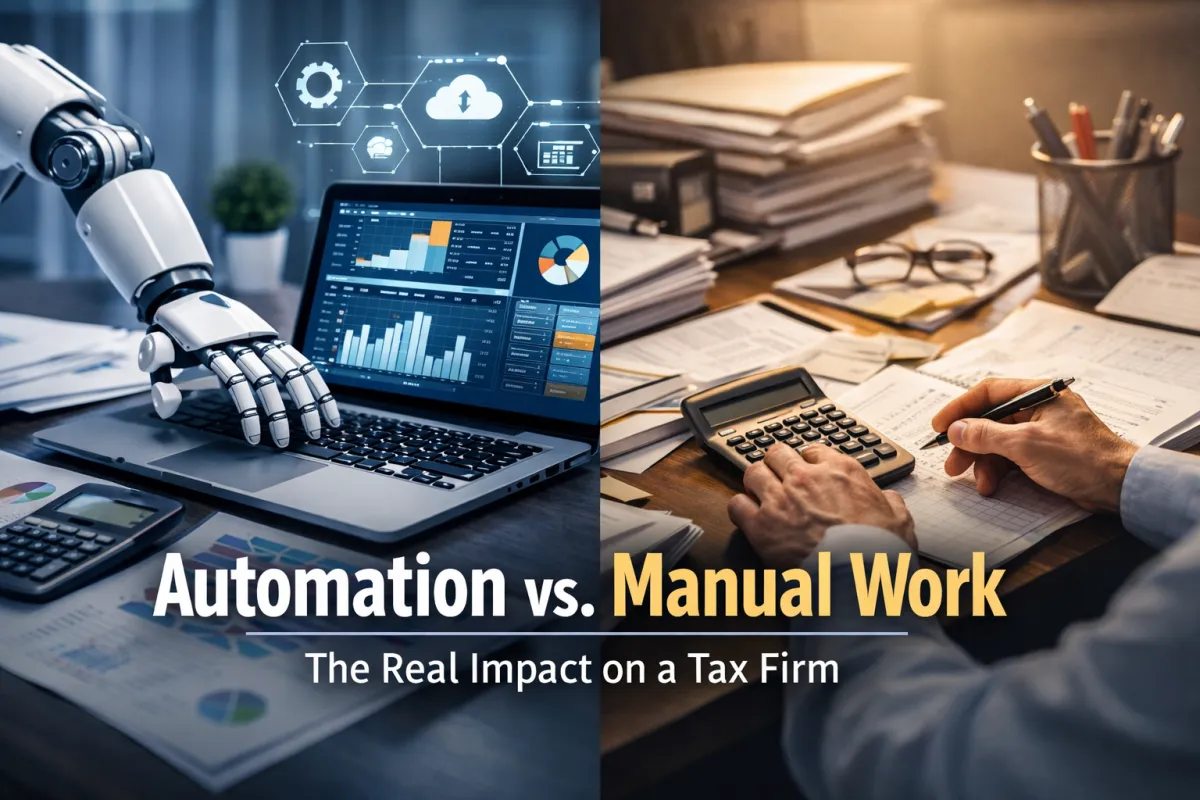
Automation vs Manual Work in Tax Firms: Real Operational Impact
Tax firms operate in an environment defined by precision, compliance, deadlines, and trust. Every document processed, every calculation reviewed, and every filing submitted carries legal and financial consequences. Traditionally, most of this work has been handled manually: spreadsheets, emails, disconnected software, and human follow‑ups.
In recent years, automation has moved from being a "nice to have" to a structural advantage. Still, many firms hesitate. Is automation really better than manual work? Does it reduce quality? Does it replace human judgment?
This article breaks down the real, measurable impact of automation versus manual workflows in a tax firm, focusing on accuracy, efficiency, scalability, risk, and client experience.
What “Manual Work” Really Looks Like in a Tax Firm
Manual work is not just paper and calculators. In modern tax firms, it usually means:
Client intake via email or messaging apps
Documents uploaded inconsistently or sent as attachments
Data entered manually into multiple systems
Status tracking done with spreadsheets or memory
Follow‑ups performed manually by staff
Deadlines monitored through calendars or reminders
This approach relies heavily on individual discipline and experience. When the volume is low, it can work. When volume increases, cracks appear quickly.
Core Limitations of Manual Processes
Human error: Repetitive data entry and copy‑paste workflows increase mistakes.
Time consumption: Skilled professionals spend hours on low‑value administrative tasks.
Inconsistency: Processes vary depending on who handles the client.
Limited visibility: Managers lack real‑time insight into case status.
Scalability issues: Adding clients often means adding staff, cost, and complexity.
Manual work does not fail because people are careless. It fails because humans are not designed to manage high‑volume, repetitive, rule‑based operations indefinitely.
What Automation Means in a Tax Firm Context
Automation in a tax firm is not about removing professionals. It is about systematizing predictable processes so humans can focus on judgment, strategy, and client relationships.
Common automation layers include:
Standardized client onboarding flows
Centralized document collection and validation
Automated reminders and follow‑ups
Workflow status tracking in real time
Rule‑based checks for completeness and compliance
Secure data storage with controlled access
Automation does not make decisions for the firm. It enforces consistency and reduces friction.
Accuracy: Automation vs Manual Work
Accuracy is critical in tax services. A single error can trigger penalties, audits, or client distrust.
Manual Accuracy Risks
Data re‑entered across systems increases transcription errors
Missed documents lead to incomplete filings
Deadline pressure increases oversight risk
Knowledge silos cause dependency on specific staff
Automated Accuracy Advantages
Single source of truth for client data
Mandatory fields reduce incomplete submissions
Automated validation rules catch issues early
Audit trails provide accountability and traceability
Automation does not eliminate the need for review, but it dramatically reduces preventable errors before human review even begins.
Time Efficiency and Cost Impact

Time is the most expensive resource in a tax firm.
Manual Workload Reality
Highly trained professionals often spend a significant portion of their time on:
Requesting missing documents
Checking email threads
Updating spreadsheets
Answering repetitive client questions
This is costly and inefficient.
Automated Workflow Impact
With automation:
Clients are guided through structured intake
Reminders are sent automatically
Case status is visible instantly
Staff focus on analysis, not chasing information
The result is lower cost per client, faster turnaround times, and better utilization of skilled labor.
Scalability: Growing Without Breaking
Growth exposes weaknesses.
Manual Scaling Problems
Hiring becomes reactive
Training is inconsistent
Process quality declines under pressure
Management visibility decreases
Automated Scaling Benefits
New clients follow the same proven process
Workflows remain consistent regardless of volume
New staff onboard faster
Management dashboards provide oversight
Automation allows firms to scale without proportional increases in risk or overhead.
Compliance, Security, and Risk Management
Tax data is sensitive. Manual handling increases exposure.
Manual Risk Factors
Documents shared via unsecured channels
Limited access controls
Difficulty proving compliance actions
Weak audit trails
Automated Risk Controls
Role‑based access to data
Encrypted document storage
Logged actions and timestamps
Standardized compliance checkpoints
Automation strengthens governance without slowing operations.
Client Experience: The Often Ignored Factor
Clients do not see internal effort. They experience outcomes.
Manual Client Experience
Confusing document requests
Repeated follow‑ups
Unclear timelines
Delayed responses
Automated Client Experience
Clear step‑by‑step onboarding
Predictable communication
Faster processing
Higher confidence and trust
A smooth process signals professionalism. Automation directly improves perceived service quality.
The Human Role Does Not Disappear
Automation handles structure. Humans handle judgment.
Professionals still:
Interpret tax law
Provide strategic advice
Handle exceptions and complex cases
Build long‑term client relationships
The difference is that automation removes friction, not responsibility.
Conclusion
The debate between automation and manual work is not philosophical. It is operational.
Manual processes rely on effort and memory. Automated systems rely on structure and consistency.
For modern tax firms, automation is not about replacing people. It is about:
Reducing error
Increasing efficiency
Protecting compliance
Improving client experience
Enabling sustainable growth
Firms that embrace automation gain a competitive advantage not through speed alone, but through reliability and scalability.
In a profession where trust and accuracy define success, automation is no longer optional. It is infrastructure.