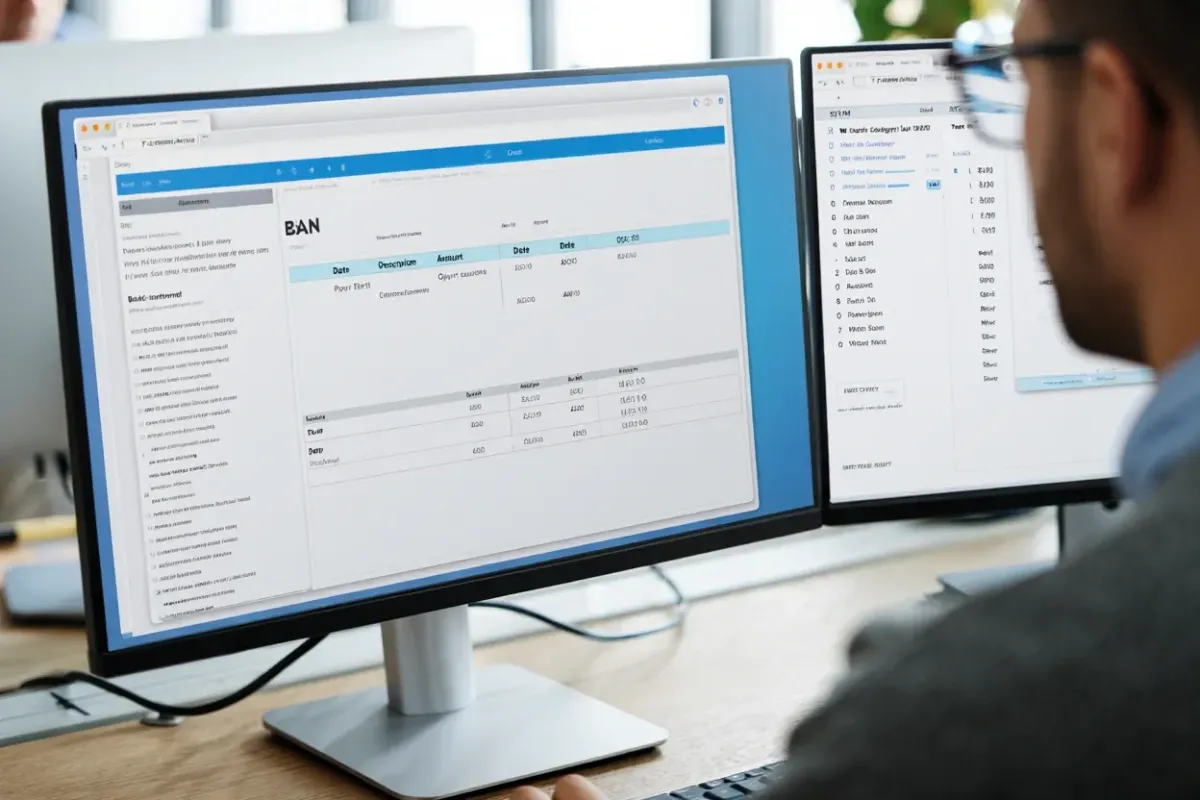
The Preparer’s Hub: From Bank Statements to Tax-Ready Forms
What this piece is—and isn’t
This is a practical guide for small U.S. tax firms (2–15 people) on using a preparer-only workspace to turn raw client documents—especially bank statements—into reviewed transactions, calculated figures, and pre-filled tax form fields.
No e-sign, no client messaging, no automated reminders, no accounting-platform integrations in production—by design, this focuses on the core workflow for preparers.
Why a focused preparer hub now?
Every extra handoff or spreadsheet increases prep time and error risk. A single hub for document storage + OCR + transaction extraction + calculations + form prefill keeps the work close to the return and away from re-typing. Result: fewer context switches, faster reviews, and a cleaner paper trail inside your firm.
The core loop (repeat per client)
Create/choose a client → structured folders by year/engagement.
Upload PDFs (bank statements and supporting docs).
OCR + transaction extraction → a normalized transactions table you can filter and export.
Review & tag transactions (notes, categories, flags).
Run complex calculations (summations, thresholds, variances, ratio checks).
Pre-fill tax form fields using reviewed totals and classifications—then export for your prep software or internal review.

Tip: lock your review criteria (materiality thresholds, exception rules) so different preparers produce consistent results.
Before → After (for a 5-person firm)
Before: scattered PDFs, ad-hoc spreadsheets, manual totals, copy-paste into forms.
After: one workspace per client, extracted transactions, tracked adjustments, calculated figures, and pre-filled fields ready for the return.
Setup in under an hour
Structure: set your client/year taxonomy once.
Rules: define categories, exception flags, and calculation templates.
Controls: decide who can review, edit, or export.
Run the first client end-to-end the same day; clone the template for the next client.
Quality review that scales

Exception views: surface uncategorized, large, or unusual transactions.
Variance checks: year-over-year and period deltas for fast sanity checks.
Reconciliation aids: totals that match statement periods; missing pages detection.
Hand-off to tax prep
Export reviewed transactions, calculated totals, and pre-filled fields to your prep stack (or your firm templates). Keep the source documents linked to each figure for quick substantiation during partner review.
What you won’t find here (yet)
E-sign for 8879 and envelopes.
Automated reminders (email/SMS).
Client messaging or status portal.
Live QBO/Xero integrations in production.
This article focuses strictly on the preparer’s document→data→form pipeline.
Quick win checklist
Client folders by year and engagement are in place
PDFs uploaded; OCR and extraction completed
Exceptions reviewed; notes added
Calculations run; deltas checked
Form fields pre-filled; export completed
Partner review done; ready for final prep
FAQ
Is this only for bank statements?
No—bank statements are the fastest win, but you can store and analyze other supporting docs in the same client hub.
Can multiple preparers work on the same client?
Yes—use role permissions and notes to keep reviews consistent.
How do we avoid copy-paste into forms?
Use the pre-filled fields export generated from reviewed totals; it reduces re-entry and keeps your numbers traceable back to documents.